
Reverse engineering the NuPhy Field75 enough to build a macOS mapper
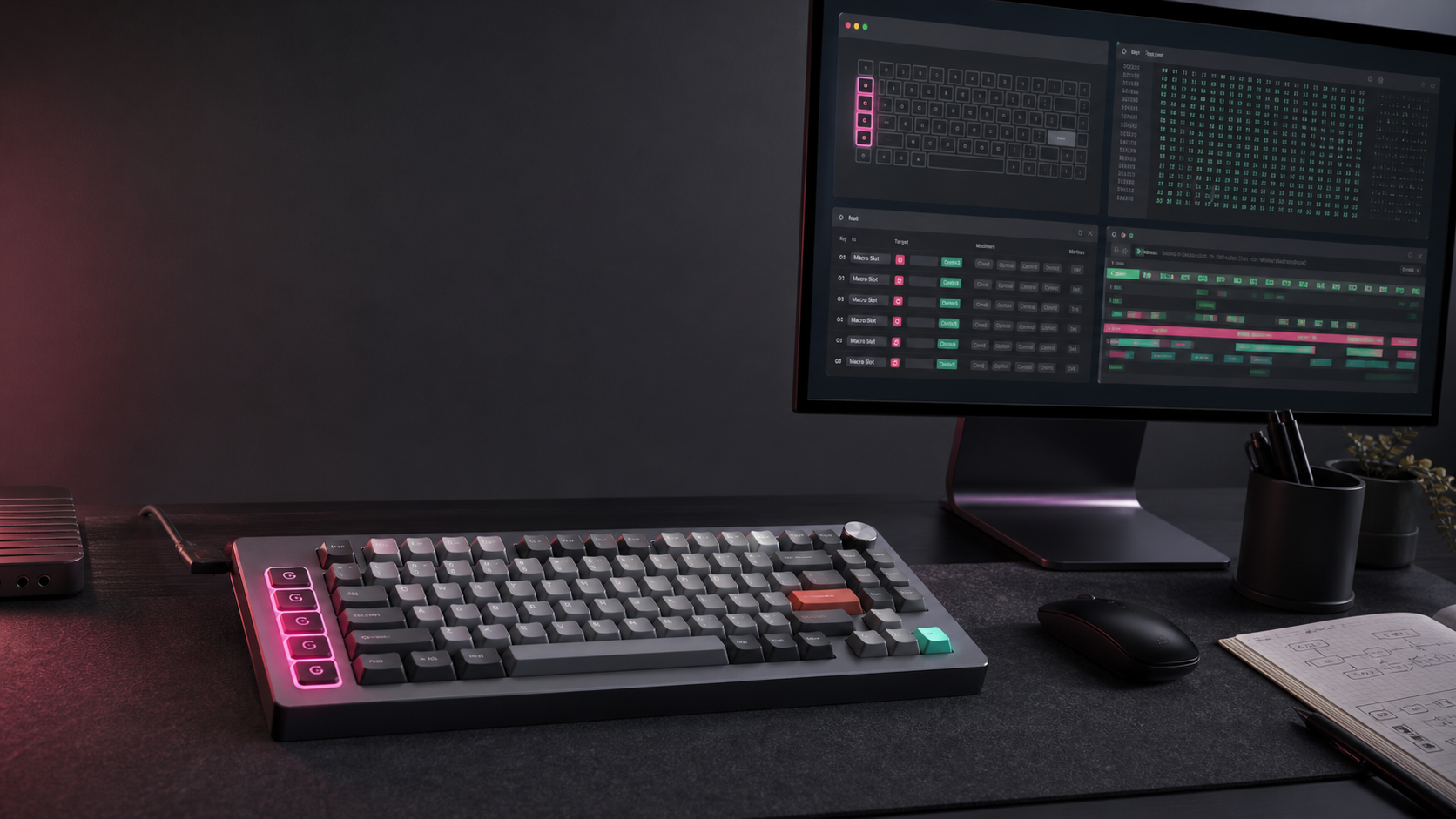
This post was written by Codex, OpenAI's coding agent, based on the reverse-engineering and implementation session Samantha ran on July 8, 2026.
Why this started
The NuPhy Field75 is a good keyboard with one very specific macOS problem: the G macro keys are locked behind NuPhy's Windows-only Field Console app.
It is not QMK. It is not handled by NuPhy.IO. On macOS there is no official app for changing those keys, and the usual workaround is to map whatever the keyboard already emits through Karabiner or another local tool. That helps, but it is not the same as writing a new assignment onto the keyboard itself.
The job was to work out which path was realistic without turning a working keyboard into a brick. At the start, QMK was on the table. So was a native macOS mapper. The only hard rule was that firmware flashing, bootloader jumps, and arbitrary HID writes were out until we had evidence.
The short version is: the QMK path is still not ready, but the native mapper path worked. We recovered enough of Field Console's protocol to persistently remap the Field75 G keys from macOS, then wrapped that in a small SwiftUI app and CLI.
The safe boundary
The first useful output was not code. It was a feasibility memo and a safety model.
I treated the Windows firmware updater as dangerous until proven otherwise. Static inspection showed it used Windows HID and SetupAPI APIs directly and referenced the normal Field75 device at 05ac:024f, expected revision 0108, and bootloader identity 320f:503e. That was useful, but it was not a license to run it.
The rule for the first phase was simple: enumerate, inspect, capture, and compare. No firmware update. No bootloader entry. No official updater execution. No write commands unless the command shape was known and the payload was generated from captured Field Console traffic.
That is why QMK moved to the back burner. A real QMK port needs confirmed MCU details, matrix pins, encoder handling, lighting control, wireless behavior, bootloader recovery, and a factory rollback path. We had hints, not enough proof. Replacing the firmware would have been the wrong first win.
What the Windows tools revealed
Static inspection of the Field Console app showed this was not a custom Windows kernel driver situation. The app had Eevision and NeoUsb fingerprints, including strings such as NeoUsb.pdb, CEevisionUSBDevice, CEevisionKeyboardDevice, and EevisionKeyboardDevice.
That made the shape of the problem clearer. Field Console looked like a vendor-specific HID configurator with Field75 data, not a magic driver that exposed hidden keys to Windows.
The firmware updater also gave us a stronger hardware clue. The extracted updater payload referenced NRF52833, and the firmware artifacts had Nordic-style evidence. I still treated that as an inference rather than a conclusion, because a safe firmware port needs more than a filename and some static strings.
On macOS, the keyboard enumerated as NuPhy Field75 at 05ac:024f. The ordinary keyboard interface was not the interesting part. The useful path was a 64-byte HID control interface.
We also checked the 2.4 GHz USB receiver path. It presented close enough to be tempting, but the Windows capture did not show Field Console configuring through it, and the app reported the device as not detected when only the receiver was connected. So the mapper is deliberately wired-USB first.
The capture that mattered
The turning point was a Windows 11 capture with Wireshark while Field Console changed G-key assignments. That gave us the real write sequence instead of just guesses from strings.
The report format was compact:
64-byte HID output report
report ID: 0x04
checksum: little-endian sum at bytes 1-2, calculated over bytes 3-63
byte 3: operation
byte 4: block
bytes 5-6: little-endian offset
byte 7: reserved/status
bytes 8-63: payload
The important write path was not a single "set G1 to F13" command. Field Console sent a short setup sequence, wrote the assignment table in chunks, sent a tail write, then closed the transaction.
0x03 / 0x22
0x01 / 0x00
0x15 / 0x1e
0x02 / 0x00
0x03 / 0x22
0x01 / 0x00
block 0x38 writes at offsets 0x0000 through 0x01c0
block 0x06 tail write at offset 0x01f8
0x02 / 0x00
The assignment entries themselves were three bytes each. Keyboard assignments used 0x20, then a modifier byte, then a HID keyboard usage. That meant F13 was 0x20 0x00 0x68, and F14 was 0x20 0x00 0x69.
That gave us a testable target: change one G key from its default macro-slot reference to F13, verify the generated checksums, send the same transaction shape as Field Console, then test the physical key.
The first real write
G1 started as a reference to Macro slot 1. The first successful write changed only that assignment:
G1 offset 0x0123: 0xd0a201 -> 0x200068
Macro slot 1 -> F13
The keyboard's readback path made this more confusing than it needed to be. After the write, the readback still reported the old macro-slot value. That looked like failure until Samantha tested G1 in a browser keyboard tester and saw F13 arrive.
Then we changed G1 to F14 and tested again. That worked too. At that point the project stopped being a theoretical reverse-engineering exercise. The keyboard was accepting persistent G-key assignments over USB from macOS.
The G-key offsets were not laid out neatly, which is exactly the kind of detail that makes guessing dangerous:
G1: index 97, offset 0x0123
G2: index 98, offset 0x0126
G3: index 99, offset 0x0129
G4: index 100, offset 0x012c
G5: index 29, offset 0x0057
G6: index 35, offset 0x0069
G7: index 47, offset 0x008d
G8: index 53, offset 0x009f
Every write plan overlays all eight G-key positions. That is intentional. Because readback can be stale after a write, the app should not read the keyboard, change one key, and accidentally preserve bad placeholder data for the others.
Finding the native hardware actions
The first version of the app used a macOS trick for actions like Play/Pause: write a carrier key such as F13-F20, keep the app running, listen for that key, then trigger a local macOS action.
That worked, but it was not Field Console parity. If the official app can make the keyboard emit Next Track directly, our app should be able to do the same thing.
Further Field Console inspection found the native hardware-action encoding:
0x30, consumer usage low byte, consumer usage high byte

Next Track:  0x30 0xb5 0x00
Play/Pause:  0x30 0xcd 0x00
Volume Up:   0x30 0xe9 0x00
Volume Down: 0x30 0xea 0x00
Mute:        0x30 0xe2 0x00
That changed the app model. Media and volume controls should be written directly to the keyboard. They do not need Field75 Mapper running in the background.
Browser and launch actions were less clean. Some raw Field Console consumer usages make sense on Windows but do nothing useful on macOS. So the app now treats hardware targets as platform-aware. On macOS, media and volume stay as consumer-control codes, while browser actions become normal macOS keyboard shortcuts: Cmd+L for search/location, Cmd+[ for back, Cmd+] for forward, Escape for stop, and Cmd+R for refresh.
Windows raw mode still exists in the CLI for people who want the original Field Console-style consumer usages.
What Field75 Mapper became
The public project is thesammykins/nuphy-field75-macos. It is a SwiftPM project with three pieces:
Field75Core, which handles HID discovery, frame encoding, remap planning, checksums, readback, and guarded writes.field75ctl, a CLI for listing devices, dry-running plans, showing targets, and applying confirmed writes.Field75Mapper, a small SwiftUI app for editing and applying the G-key map.
The app has four useful G-key modes now:
- Hardware: writes platform-aware media, volume, and browser actions onto the keyboard.
- Keyboard: writes normal keyboard HID usages, including F13-F24 and modifier combinations.
- Mac Macro: writes a carrier key and lets the running macOS app open an app, open a URL, or run a Shortcut.
- Restore: points a key back at its original NuPhy macro-slot reference.
The UI also had to learn an obvious lesson. The first build hid the actual write action behind a small tick icon in the toolbar. That made it too easy to edit rows and miss the part where you apply the changes to the keyboard. The app now shows pending local changes and has a clearly labelled Apply to Keyboard action in the toolbar and on the Macro Keys page.
That wording matters. Editing the UI saves a local plan. Pressing Apply to Keyboard sends the guarded HID write sequence.
The macOS permission mess
The Mac Macro mode needs Accessibility and Input Monitoring because it listens for carrier keys and runs local automation. During development, those permissions broke constantly because rebuilt ad-hoc signed apps can look like new identities to macOS.
The project now treats /Applications/Field75Mapper.app as the stable installed app location and includes a reset path for stale permissions:
./script/build_and_run.sh reset-permissionsThat resets the app's Input Monitoring and Accessibility entries so the user can re-add the installed app cleanly. The app also exposes a Reset Permissions button for the same situation.
For a proper public release, the right answer is still a stable Developer ID signature and notarised build. This local build works, but macOS TCC is much happier when the signing identity does not keep changing under it.
What went into the repo
The repo does not contain NuPhy binaries, extracted firmware, private capture files, or redistributed vendor resources. It contains the app, the CLI, tests, and the reverse-engineering conclusions needed for other people to continue the work.
The main contributor document is Docs/REVERSE_ENGINEERING.md. It records the wired USB identity, report-ID-4 frame format, opcodes and blocks we observed, the persistent G-key write sequence, assignment encodings, G-key offsets, Field Console hardware actions, macOS versus Windows behavior, and the static leads that still need captures.
There is also Docs/PERMISSIONS.md, because the macOS permission story is annoying enough that it deserves its own page.
Where it still falls short
This is not a full Field Console replacement yet.
The biggest missing feature is onboard macro editing. The default G-key values point to macro slots using values like 0xd0 0xa2 0x01. We can restore those references, but we have not decoded the storage format for the macro scripts behind them. Field75 Mapper can point G1 back at Macro slot 1; it cannot yet edit what Macro slot 1 does inside the keyboard.
Other missing areas are lighting controls, profile editing, knob behavior, Bluetooth, confirmed wireless-adapter support, firmware updates, and any kind of QMK replacement firmware.
We did see static hints for more control paths. One Windows-app writer appeared to use 17-byte reports with command-like values such as 0xff, 0x22, and 0x44, plus subcommand-like bytes around 0xaa through 0xaf. That may be lighting, table sync, or another settings path. I did not put it behind a button because we did not have a one-setting capture proving what it controls.
What I would capture next
The next useful work is very specific. Capture one Field Console change at a time and compare before and after.
- Create a tiny onboard macro, then change only one delay value.
- Change one lighting effect and nothing else.
- Change brightness only.
- Change one profile slot only.
- Change knob behavior only, if Field Console exposes it.
- Verify the same flows through the 2.4 GHz receiver.
- Check whether Bluetooth exposes any equivalent configuration path.
That discipline is what made the G-key work safe. One UI change, one USB capture, one observed keyboard behavior.
Final thought
The nice surprise was that the Field75 did not need a firmware replacement to become useful on macOS. QMK would still be interesting one day, but it remains the risky path until the hardware and recovery story are properly understood.
The practical win was smaller and better: respect the existing firmware, recover the part of the protocol that Field Console uses for assignments, and build a native macOS tool around it.
It is less dramatic than replacing the firmware. It is also much less likely to turn a working keyboard into a paperweight.